Getting your Installation IDInstallation ID neatComponents requires an Installation ID to be entered when you run the download. The Installation Id uniquely identifies each of your neatComponents licenses and allows you to manage them from an account that is created for you at my.neatcomponents.com  You can obtain an Installation ID here if you have not already got one You can obtain an Installation ID here if you have not already got one
When you click the link above, New Users will be asked to if you want to Register for a free account, and returning Users will be asked to log in. Registration is needed for Support, but you can skip that for now if you wish - you can always get an account later. 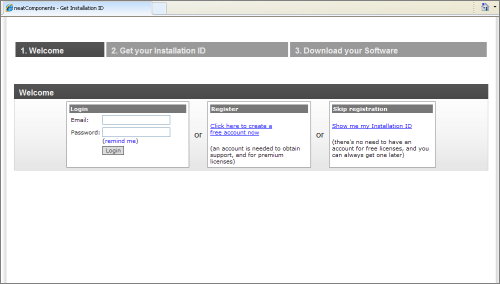
Each copy of neatComponents has a unique Installation Id. The neatComponents license server will create a unique Installation Id for your new Installation.
Make a note of the number (e.g. 97VB-6W9E-44TJ-76HQ) as you will need it during the installation process.
Next: Read about Installing neatComponents
| 



