The Layout Manager's Pages tab provides functionality to manage the structure of the site. The system administrator can set the site to either run in Manage Bank or All Components mode. All Components
In this mode there is no restriction on how many instances or which components are made available to site developers* 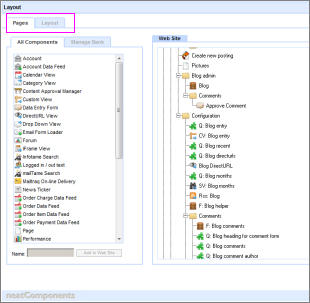
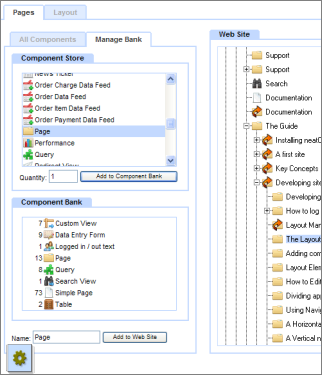
Manage Bank (shown below)
In this mode the individual site developer can be given a restricted sub-set of components to work with. This enables the system administrator to control the type of site that can be built - say, for contractual reasons, or for to restrict inexperienced staff access to certain components. In this mode the Left-hand side of this tab contains two lists: - Component Store
- Component Bank
This provides a two stage 'delivery mechanism' for adding components in to the website tree. There are two stages to this process to provide the flexibility to restrict some administrators ability to add certain components. The Component Store lists out the various types of component, and can be thought of as containing an infinite quantity of each component. To make use of a component, you need to add it to the Component Bank: - Select the component type in the Component Store
- Enter the quantity you want
- Click 'Add to Component Bank'
The Component bank will then list that component name, with the quantity now available for use on the site shown in brackets after the name. * For example, you may have created a site for a client with a set of components, and whilst you are happy for them to manipulate the site, you don't want them to add more components without paying you an extra fee. |