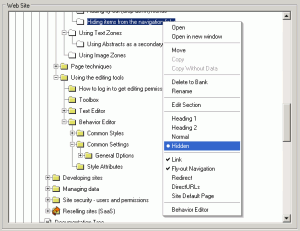
Pages can be hidden from the navigation system without removing them from the site by selecting the Hidden option from the Layout Manager context menu.
This will prevent the page from displaying in normal or flyout navigation, however if the component is directly linked from elsewhere it will still display. | 


